Disc Image
A DOL alone can only load embedded files, which is fine
for smaller projects. But if you plan a bigger project than you need a
disc image where you can store external files. GCubeSDK can
create .iso / .gcm images that accurate
emulators or a real GameCube can mount. The editor GCM Disc tab and make iso build that image for you.
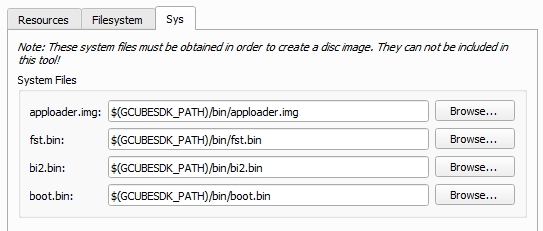
But you have to set the Sys files first.
File System Tree
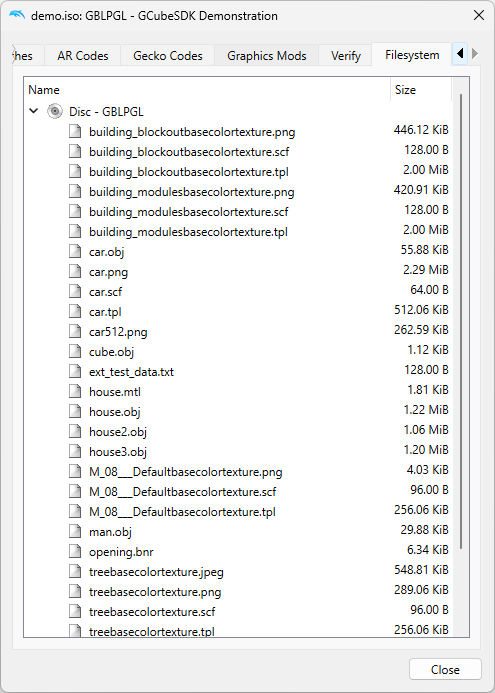
The dolphin emulator can inspect the Filesystem Tree to inspect the disc image:
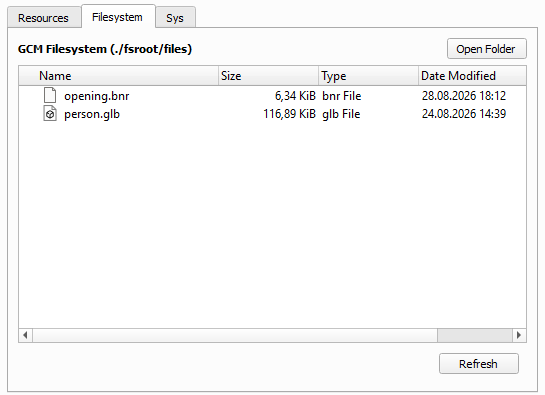
You can also see the current Filesystem Tree inside GCubeSDK after you build the disc image. You cannot add files into that list. Switch to the Resources Tab and put the files in there and build again.
System files
GCubeSDK does not ship these files. You need to obtain them when you build an ISO.
apploader.imgfst.binbi2.binboot.bin
Obtain the four files from a GameCube disc that you own. Do not download them from a website.
Nodtool
NOD is
a library and utility for traversing, dumping, and authoring GameCube
and Wii optical disc images. GCubeSDK is using Nodtool to create
.iso / .gcm images. You can also use nodtool
by hand to unpack a disc image you made from a disc you own:
nodtool extract ./disc.iso outDirOpen outDir/sys and copy apploader.img,
fst.bin, bi2.bin, and
boot.bin.
Dolphin
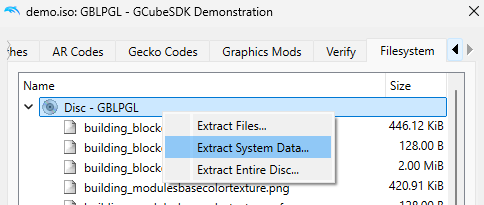
Dolphin is the suggested emulator. It can dump a GameCube disc that you own by simply rightclicking on the filesystem tree.
Banner
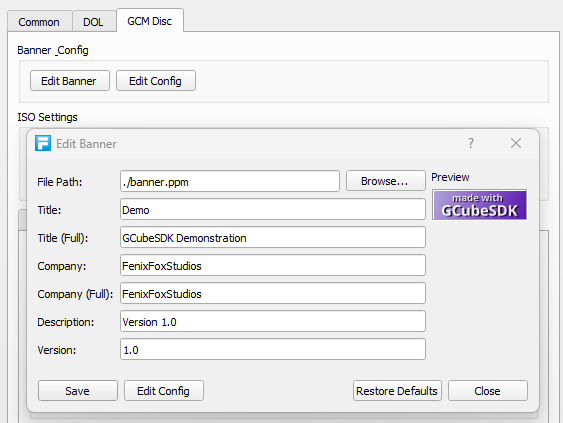
The banner is the picture and text on the GameCube IPL (Initial Program Loader) and in the Dolphin game list.

The source picture is banner.ppm defined in config.ini
from BANNER_PATH. It must be
96×32 in size. Use the editor, GCM Disc >
Edit Banner to make custom changes.