Showcase
The demo scenes in GCubeSDK are there so you can learn how the
classes work. You find them in the demos folder. Contact
me, if you built a scene and want to showcase it on this page.
DemoAnimationMixer.cpp
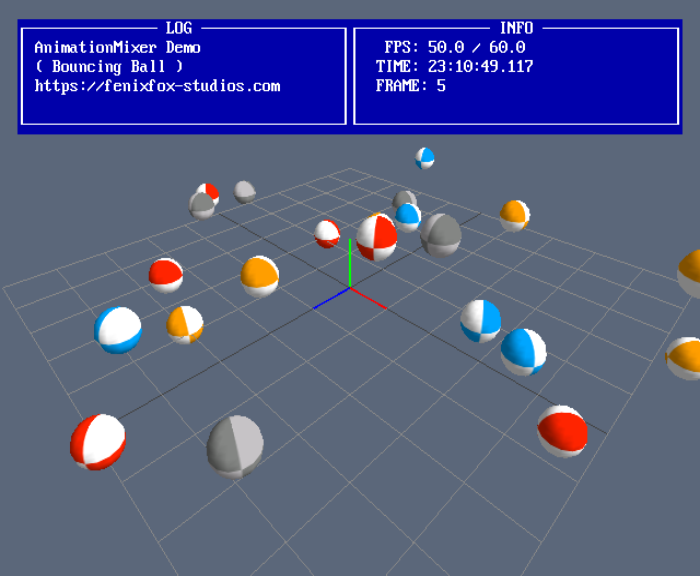
Each ball is a Mesh controlled by an AnimationMixer and an AnimationClip. How mixer, clip, action, and tracks fit together is in Animation. The bounce is a keyframed physical simulation. At startup the program simulates gravity, floor hits, and a short squash for each ball, then writes that motion into a KeyframeTrack for position and scale. Those tracks become one clip. The mixer plays that clip.
DemoAudio.cpp
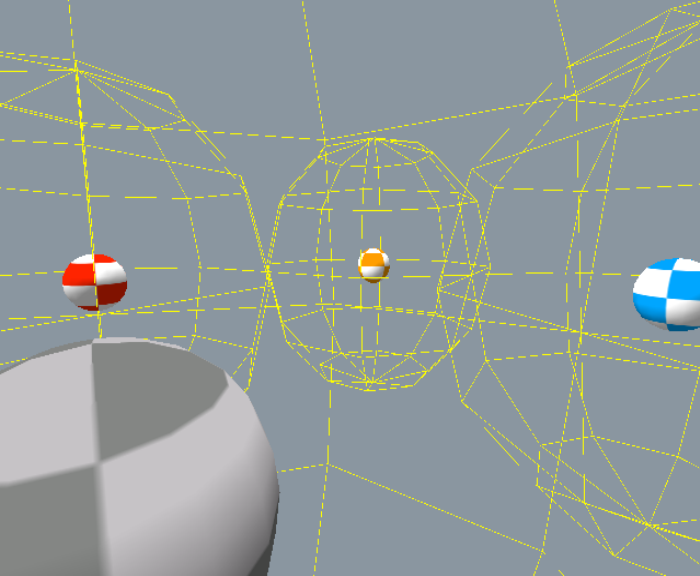
There are four AudioEmitter, each having a Audio assigned to their AudioBuffer. You can orbit the camera around and hear the samples fade into each other. This demo needs to be build as disc image by using make iso.
DemoBenchmark.cpp
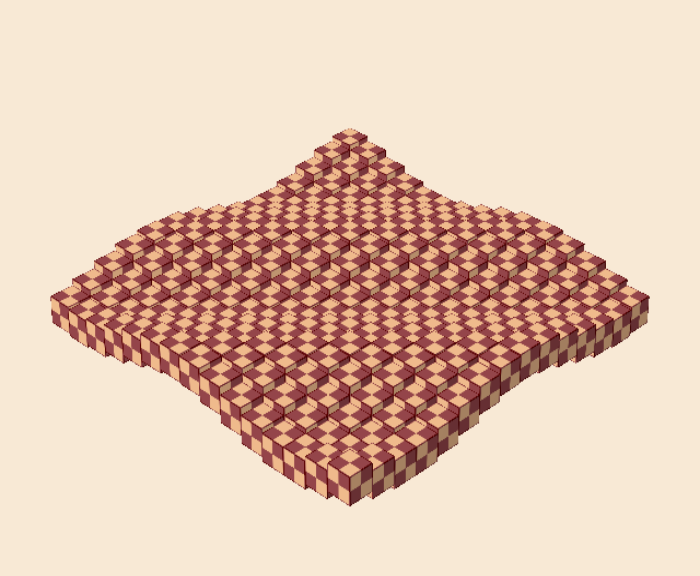
This is a benchmark. A grid of boxes keeps moving so the scene never sits still. Raise the row and column counts and you add more boxes and more faces. The point is to see how many faces you can draw before the frame rate drops.
DemoCollision.cpp
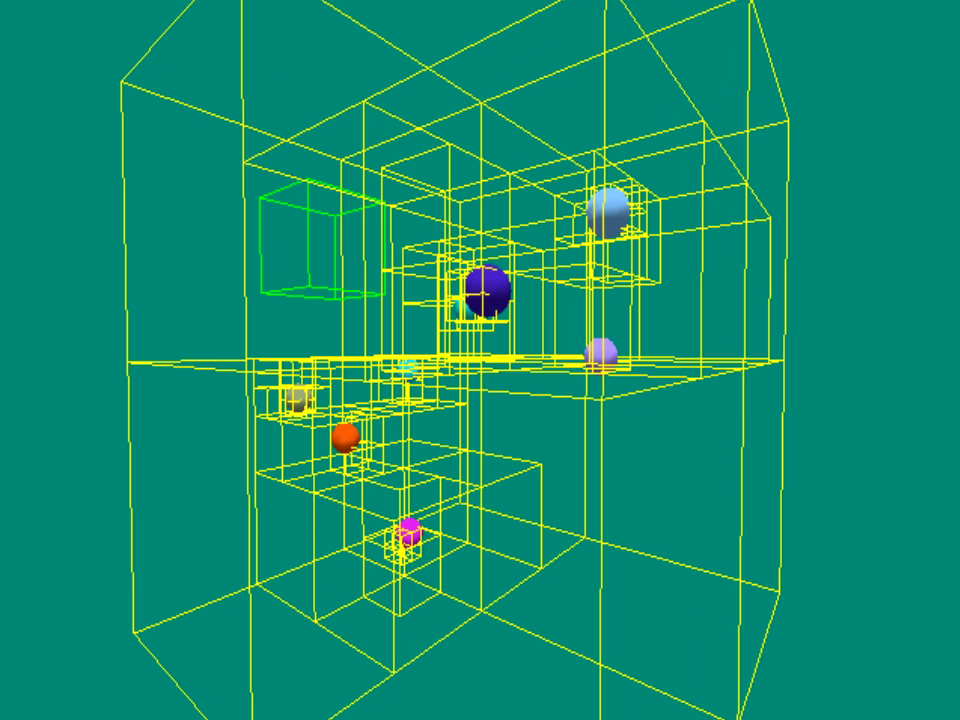
Eight colored spheres sit at random positions. An Octree is built from the scene. A Box3Helper flies through that space. Each frame the moving box is tested against the octree. Using octrees is recommended to maintain performance in complex scenes.
DemoDebug.cpp
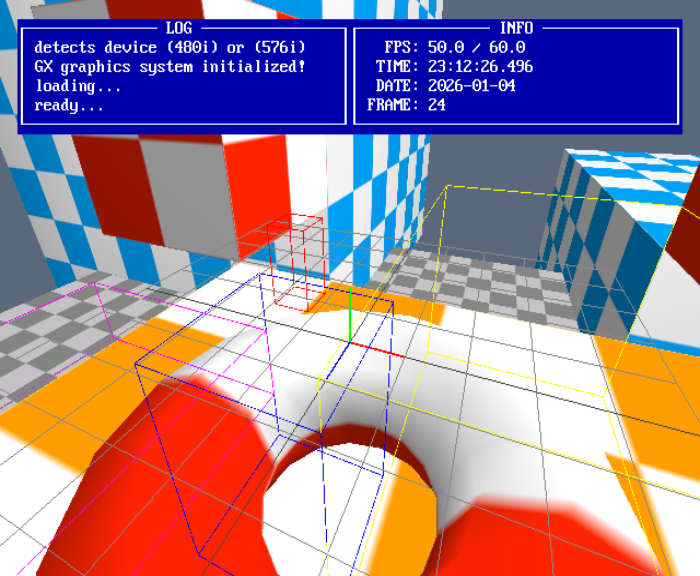
A textured room of different objects and helpers. The in-game Console prints a log line, an info block with frames per second, clock, date, and frame count, and after ten seconds an error line. The point of the file is that overlay and the helper objects.
DemoGeometry.cpp
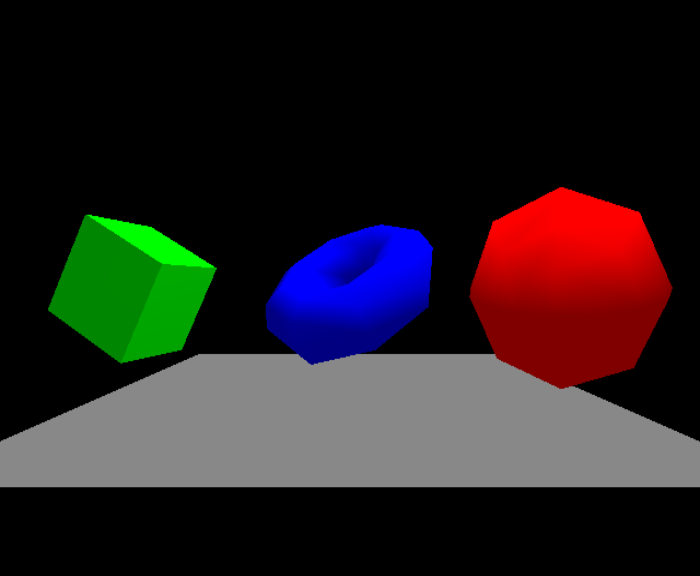
A box, a torus, a sphere and a floor plane are created in code. There is no model file. Each shape is a Mesh with a colored LambertMaterial under a DirectionalLight. This is a very beginner friendly scene.
DemoGeometryB.cpp
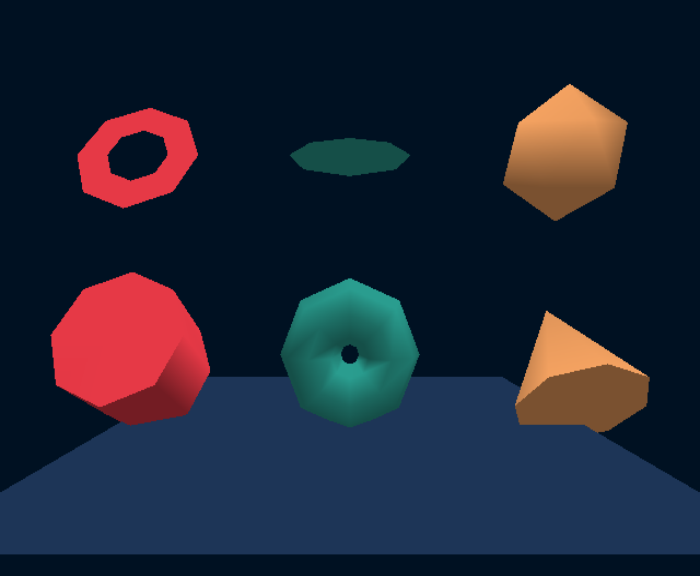
The same idea like DemoGeometry with more built-in shapes: cylinder, cone, circle, ring, octahedron, and icosahedron, plus a sphere, a torus, and a plane.
DemoGLTFAnimation.cpp
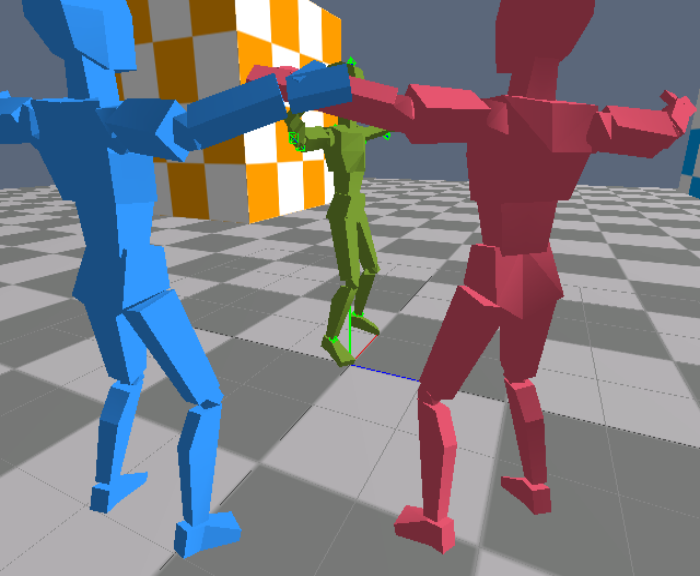
How bones, bindings, and the mixer fit together is in Animation. GLTFLoader loads person.glb
three times. Each copy gets its own AnimationMixer. The mixers play the
first AnimationClip that came with
the file. A SkeletonHelper is
attached to the first SkinnedMesh so
the bones stay visible while the clip runs.
DemoHelper.cpp
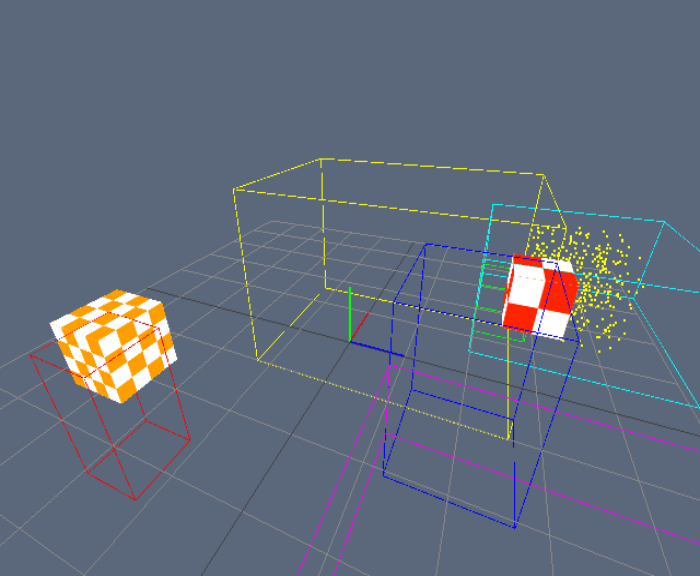
A scene of helper objects: GridHelper, AxesHelper, Box3Helper, and a cloud of Points. A beginner friendly scene.
DemoKeyframeTrack.cpp
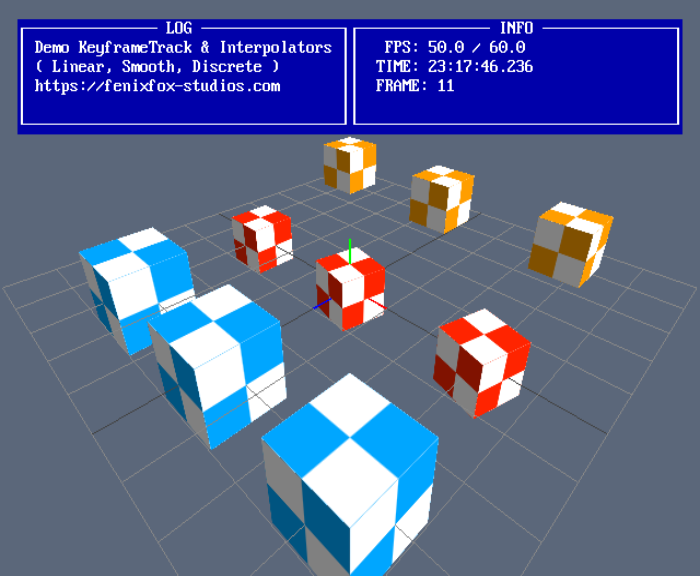
Nine cubes in a three by three grid share one set of times and values. Three KeyframeTrack objects use that data with discrete, smooth, and linear interpolation. You see how the same keys look under DiscreteInterpolant, CubicInterpolant, and LinearInterpolant.
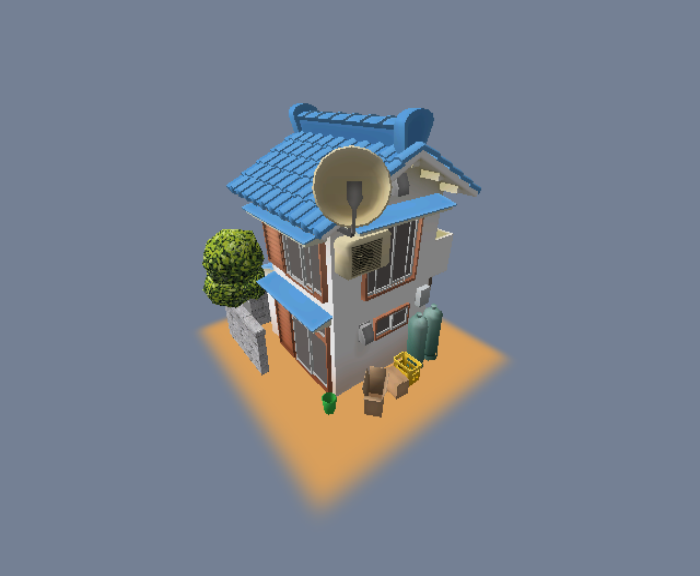
DemoOBJ.cpp
Demonstrate the usage of OBJLoader by
loading house.obj into a Group.
The OBJ file names an MTL file. MTLLoader
reads that file and TextureLoader
pulls in the maps.
DemoOctree.cpp
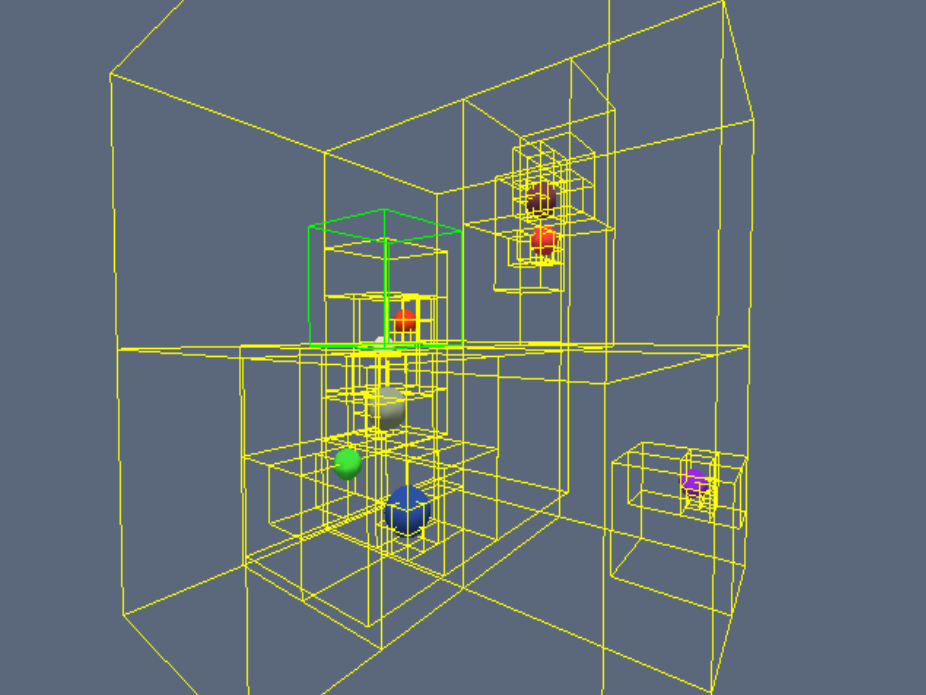
Eight colored spheres at random positions, then an Octree built from the scene. OctreeHelper draws the cells. This file only shows how the tree partitions the spheres.
DemoParticleBurst.cpp
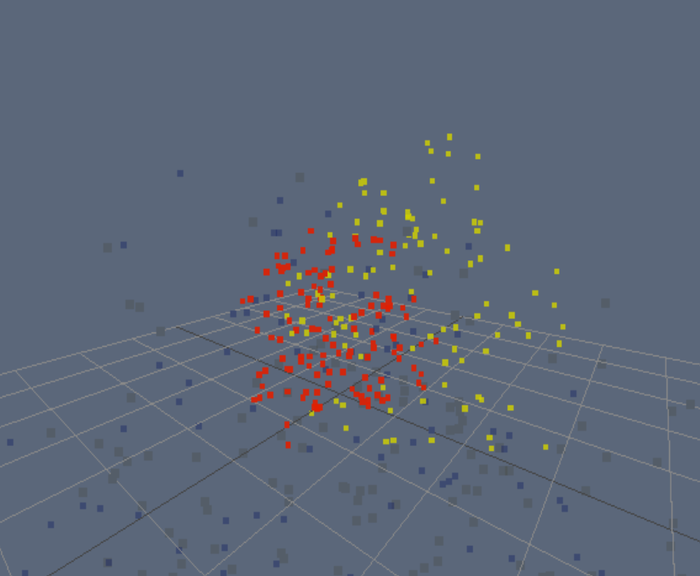
Eight ParticleSystem objects act as fireworks. Each one is an explosion burst with gravity, a color that fades out, and a delay so they fire in sequence and then repeat.
DemoParticleEmit.cpp
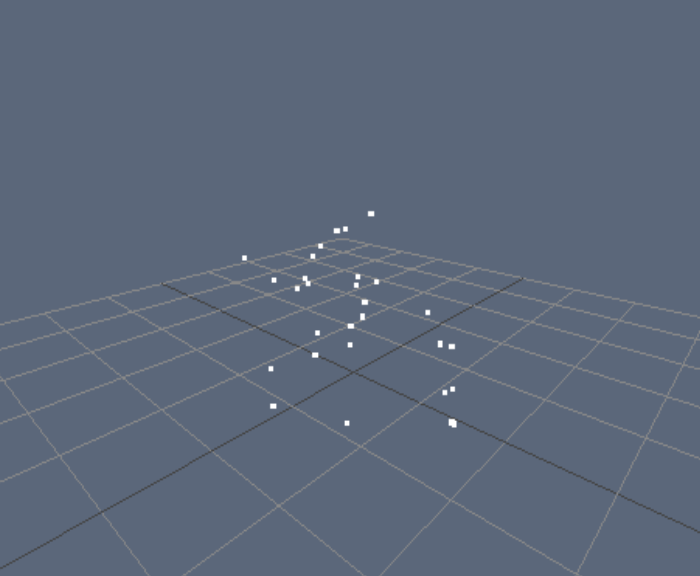
One ParticleSystem with the default settings. Particles spawn steadily from a box volume, rise, then fall with gravity. The camera orbits. Every frame the system is updated. This is a continuous stream, not a one-shot burst.
DemoPointLights.cpp
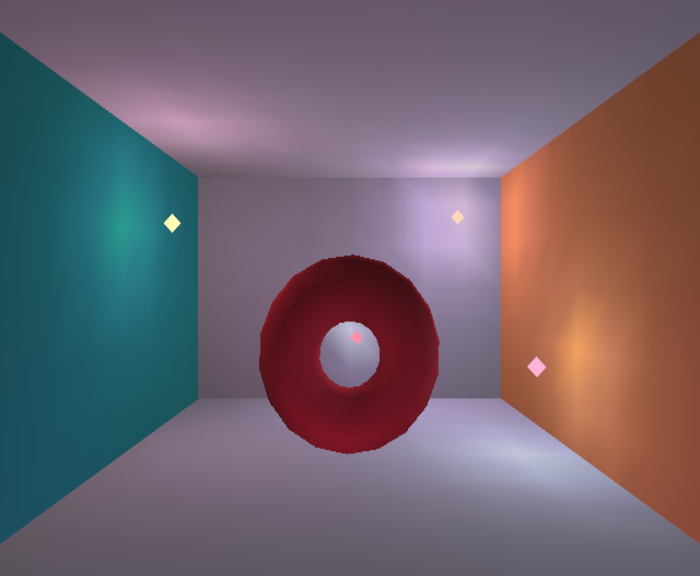
Six PointLight objects of different colors fly around the torus. A small octahedron with BasicMaterial sits on each light so you can see where it is. The walls pick up the moving lights. There is no directional light in this scene.
DemoSPH.cpp
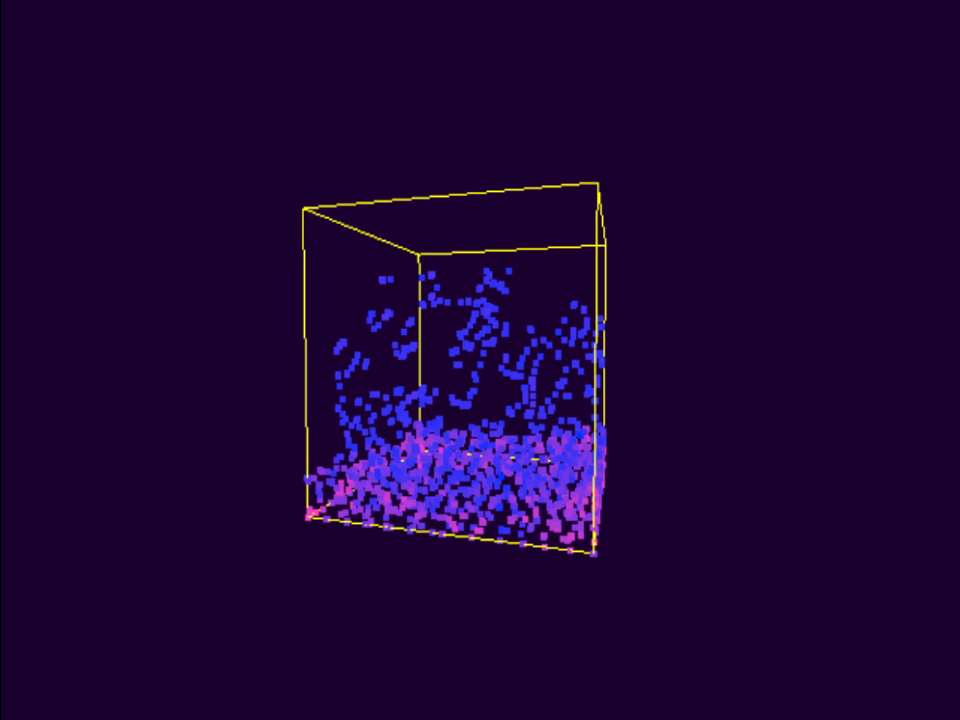
A Particle is nothing more than a position and force vector with a mass. SPH uses nearby particles to estimate density and apply forces, making particles move like a fluid.
DemoTextures.cpp
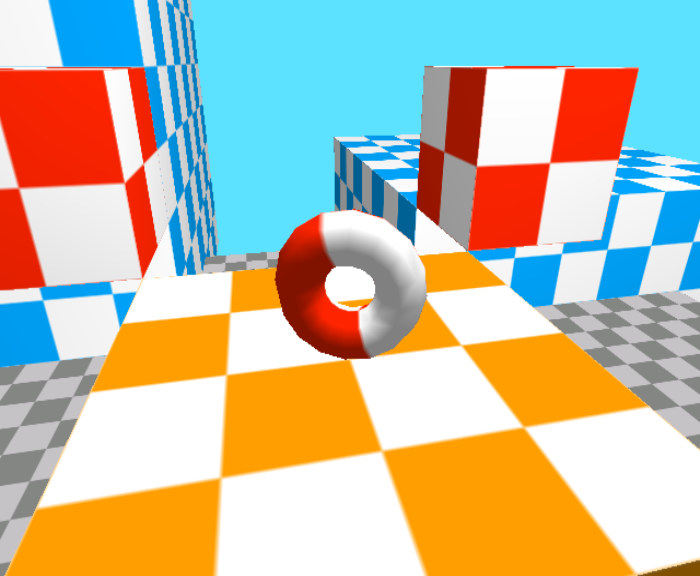
Learn how to deal with textures. TextureLoader loads four TPL files and applies them as maps onto four different LambertMaterial.
DemoVertCube.cpp
This was the first scene ever made with GCubeSDK. A cube that is not a BoxGeometry. Eight corners, vertex colors, and an index list are written into a BufferGeometry of quads. BasicMaterial with vertex colors draws those colors.